|
|||
Do you wish to
consolidate data come from many sheets contained in more than one
workbook?
|
|||
|
|||
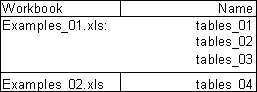
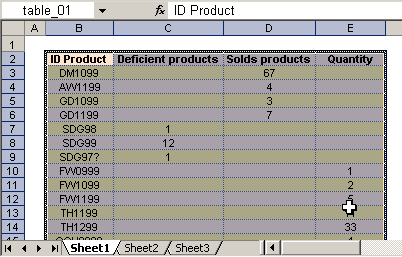
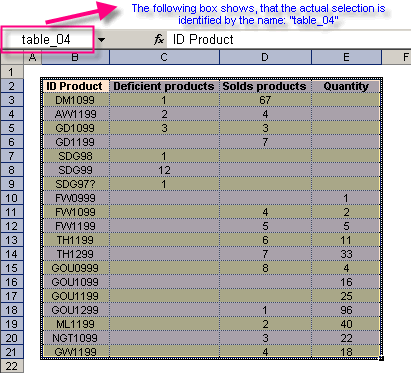
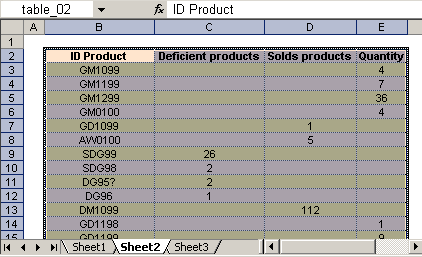
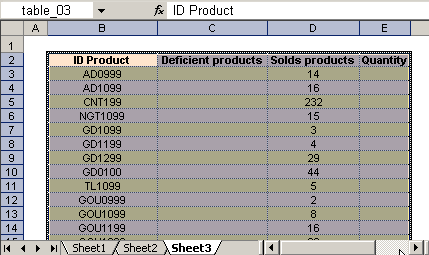
| See the named ranges to use: | |||
|
|||
|
|||
|
|||
|
|||
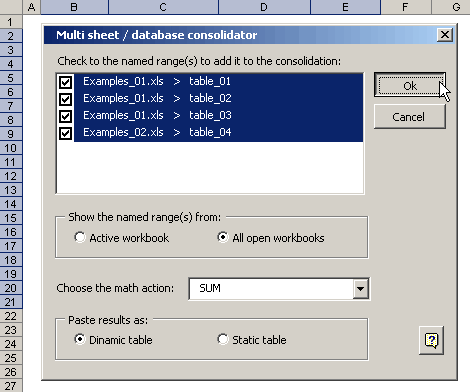
| Then, we open the
corresponding dialog box (showed below) We choose the names that we will use in the consolidation and we finally press on Ok button for to execute the action. |
|||
|
|||
| Note that if the selected named range(s) is located in workbooks different, then the consolidation will be done in a new workbook. | |||
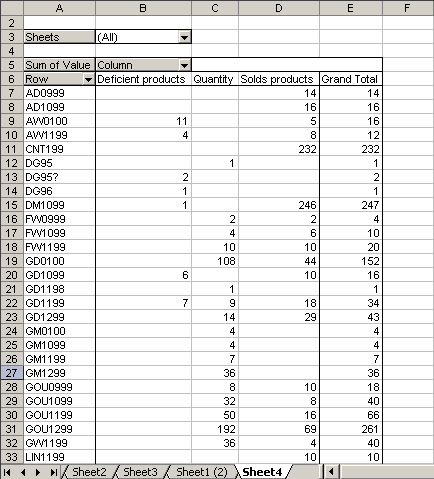
| The result is a pivot
table con the wished consolidation. If we had chosen "Paste results as... Static table" then the results would be showed in a simple table. |
|||
 |