
| Change sign |  |
If the cell contains a formula, a parenthesis will be placed before changing the sign, while the formula is kept unchanged.
Note the following example:
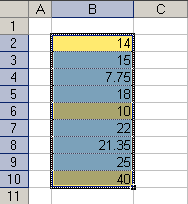
The following range is selected:
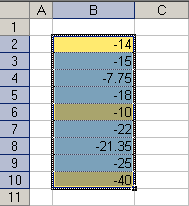
The values of all cells now have negative values
The values of all cells are now positive again